
Tables
Create and manage tables with powerful editing tools
Tables in Octarine aren't just static grids—they support rich formatting and come with a full toolbox for organizing and manipulating data without the hassle of manual copy-pasting.
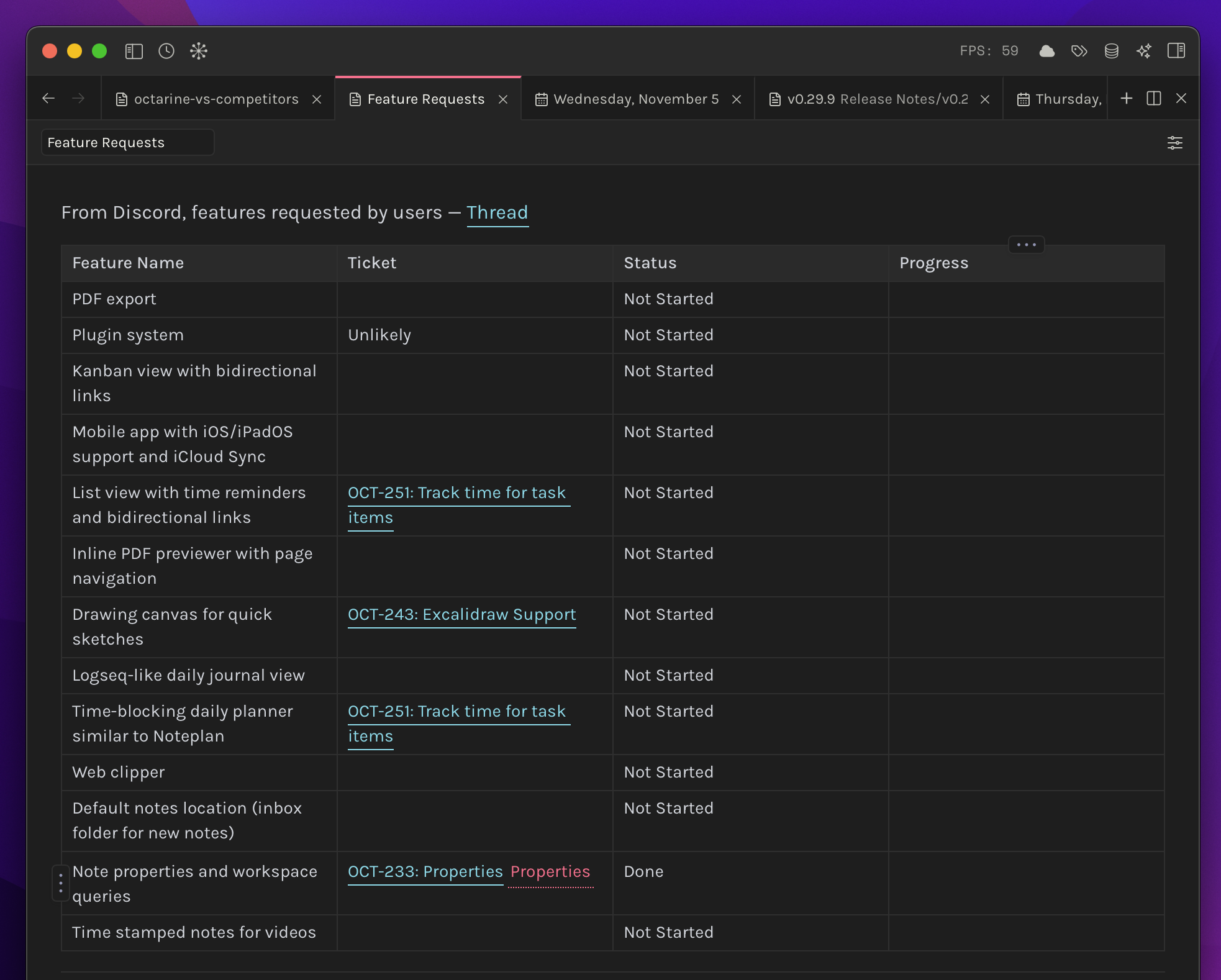
Creating Tables
You can create a table the traditional way with Markdown syntax:
| Header 1 | Header 2 | Header 3 |
| --- | --- | --- |
| Cell 1 | Cell 2 | Cell 3 |
| Cell 4 | Cell 5 | Cell 6 |
Or just press / and type "table" to insert one instantly.
Table Toolbox
Click on any table and the toolbox pops up, giving you quick access to everything you need:
Row operations let you insert rows above or below the current one, move rows up or down, copy a row, or delete it entirely.
Column operations work the same way—insert columns to the left or right, move them around, copy them, or delete them.
And if you need to work with the whole table, you can copy it or delete it in one go.
Resizing Columns
Drag the edge between two columns to resize a table. Octarine keeps cells readable by enforcing a minimum column width of 100px.
Column widths are saved in the Markdown file as an Octarine metadata comment directly above the table:
<!--octarine-table-cols:180,260,0-->
| Name | Notes | Status |
| --- | --- | --- |
| Alpha | Follow up next week | Open |
Each number maps to a column width in pixels. A 0 means that column is still using the default width. Octarine hides this comment in the editor and reapplies the widths when the note is opened again.
The table itself remains normal Markdown, so it still works in other Markdown apps. Apps that do not understand Octarine's metadata will simply ignore the comment and show the table with their default column sizing.
Keyboard Shortcuts
If you prefer keeping your hands on the keyboard, here are the shortcuts:
Option/Alt + Up Arrow— Move the current row upOption/Alt + Down Arrow— Move the current row downOption/Alt + Left Arrow— Move the current column leftOption/Alt + Right Arrow— Move the current column right
A Few Tips
Tables support all the usual formatting—bold, italics, links, inline code, whatever you need. The toolbox makes restructuring data quick and painless, and the keyboard shortcuts let you reorganize things without breaking your flow.