
Desktop / Editing and Formatting
Callout
Visual elements to draw attention to a blockquote.
Need to make something stand out? Callouts are visual blocks designed to highlight important information—whether it's a tip, a warning, or just a key point you want readers to notice.
Creating a Callout
Adding one is quick. Just type /callout and pick the type you want from the list. Or, if you've already got text selected, click the callout icon in the Bubble Menu and it'll wrap your text for you.
Types of Callouts
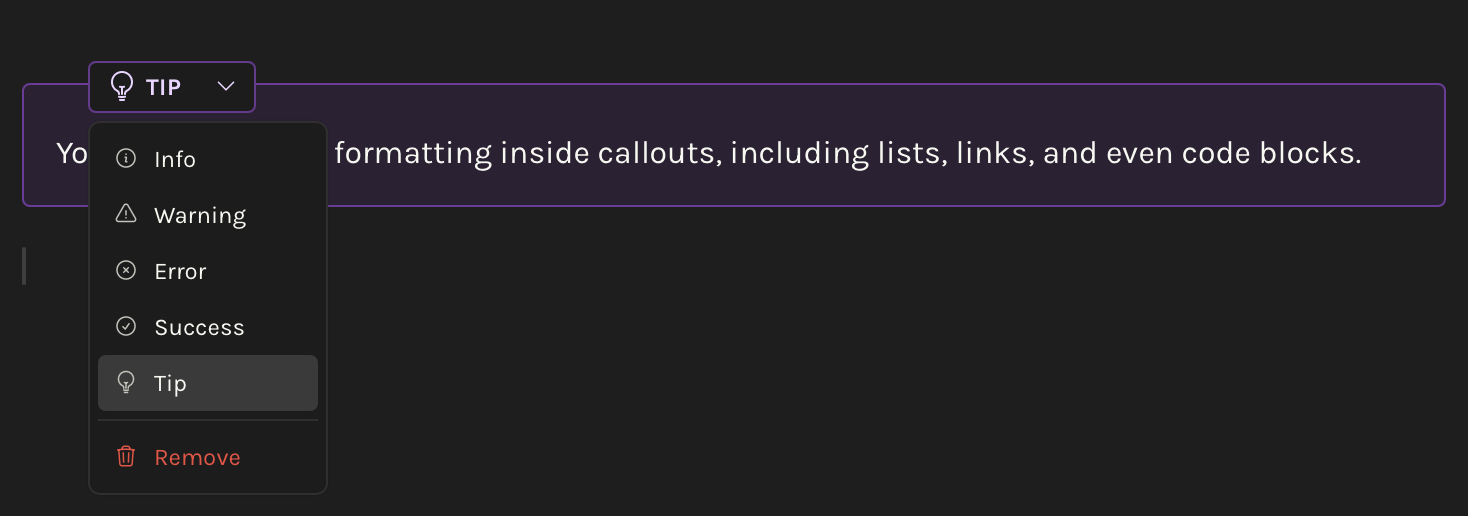
Octarine gives you five callout types, each with its own icon and color to match the vibe:
- Info
![INFO] - Warning
![WARNING] - Error
![ERROR] - Success
![SUCCESS] - Tip
![TIP]
You can change the type anytime using the dropdown that appears when you click on the callout.
Syntax
Here's what it looks like under the hood:
> [!TIP]
> You can nest other formatting inside callouts, including lists, links, and even code blocks.
Pretty simple—just a blockquote with a special tag at the top.